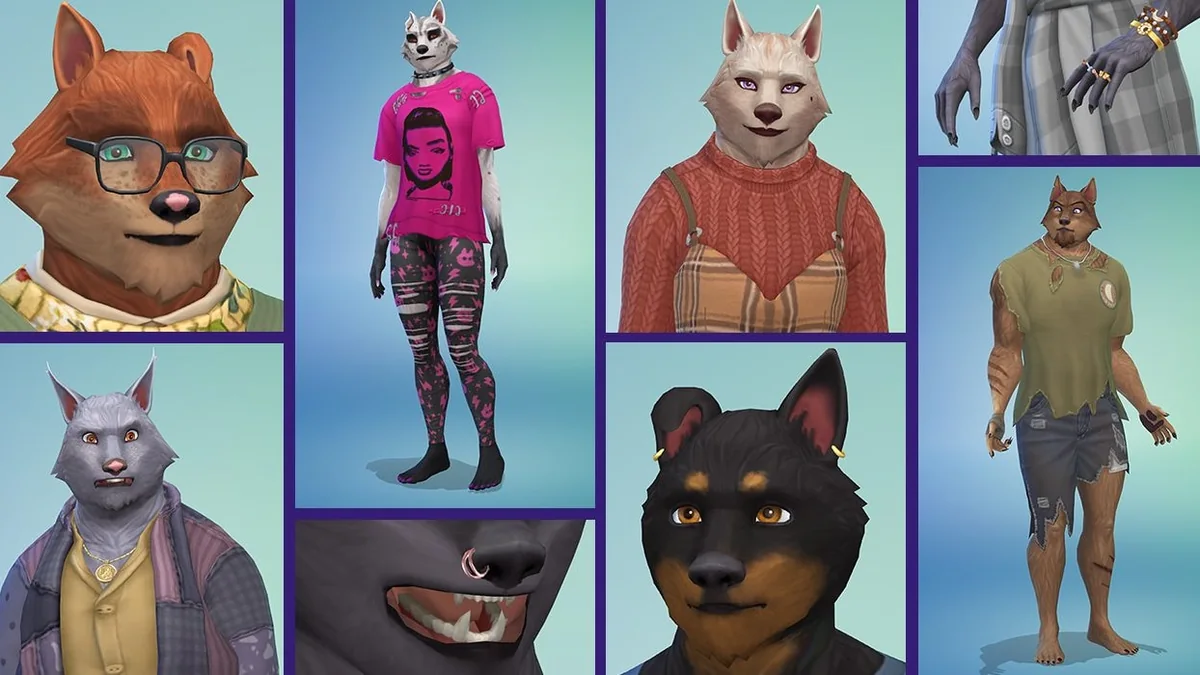
Pick the Sims 4 werewolf cheat by outcome
Use one command at a time. The command names are community-documented game identifiers, not an EA-supported console reference. Keep the spelling, underscores, spaces, and number format exactly as shown.
| What you want to do | Command | What it changes |
|---|---|---|
| Make the selected Sim a werewolf | traits.equip_trait trait_occultwerewolf | Adds the Werewolf occult trait. |
| Remove the werewolf state | traits.remove_trait trait_occultwerewolf | Removes the occult trait; it does not reset every other werewolf-related value. |
| Set werewolf progression XP | stats.set_stat rankedStatistic_Werewolf_Progression 3000 | Sets the progression value to 3000 XP, the Apex threshold reported by the community guide. |
| Set Fury before a rampage | stats.set_stat commodity_Motive_Werewolf_Fury 0 | Sets the selected werewolf’s Fury value. It may not cancel a rampage already in progress. |
How to enable cheats on PC, Mac, PlayStation, and Xbox
The command console must be open before a command can work. Load into a household or lot first, select the intended Sim, then open the console with the control for your platform. For commands that depend on advanced testing cheats, enter testingcheats true and submit it as a separate command before you paste the Werewolves code.
If you play on PlayStation or Xbox and care about achievements or trophies, make a separate save before enabling testing cheats. EA says that using a cheat which requires testingcheats true disables achievements or trophies for the current console save; the restriction does not apply to your other saves. The build-mode exception in EA’s FAQ is not a reason to assume these live-mode werewolf commands are exempt.
| Platform | Open the console | Then enter |
|---|---|---|
| PC and Mac | Ctrl + Shift + C while in the game | testingcheats true |
| PlayStation | Hold L1 + L2 + R1 + R2 together | testingcheats true |
| Xbox | Hold LB + LT + RB + RT together | testingcheats true |
EA’s official FAQ is the source for the console steps and save warning. The pack-specific commands are community-documented.
Transform a Sim or remove the werewolf trait
Use the transform command only after selecting the Sim you intend to change. If a Sim is already a werewolf, the remove command is a targeted way to take off the occult trait. These two lines do not set rank, unlock abilities, clear every temperament, or guarantee that a Sim’s other pack data is reset.
A command may do nothing if the Werewolves Game Pack is unavailable in the current installation or save, the wrong Sim is active, the console did not accept testing cheats, or the internal trait name was mistyped. After running the command, check the Sim’s occult panel before trying another change.
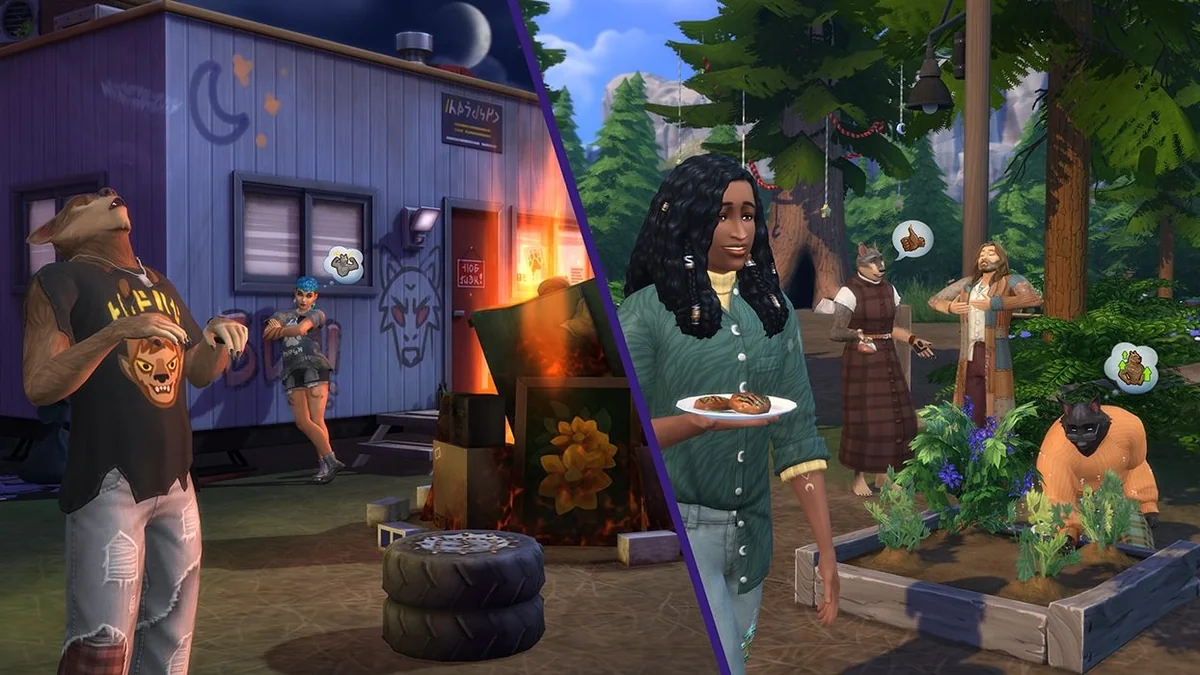
Sims 4 werewolf rank cheat: XP values and ability-point milestones
The progression command sets a stat value; it is not an instruction to add that many XP on top of the current value. For example, 3000 places the progress stat at the community-reported Apex threshold. If you already have more XP, typing a smaller number may move the stat backward, so check the current rank and make a save copy before experimenting.
The midpoint values below are reported as the progression points where an ability point is earned. Rank names and thresholds come from community documentation rather than an EA command sheet. They explain why a Sim can gain a point before the rank label changes and why reaching Apex is not the same action as directly unlocking a specific perk.
| Rank | XP to reach rank | Progress midpoint reported for an ability point |
|---|---|---|
| Pup | 0 | 100 |
| Runt | 200 | 450 |
| Prime | 700 | 1,150 |
| Veteran | 1,600 | 2,300 |
| Apex | 3,000 | 3,700 for an additional overmax point |
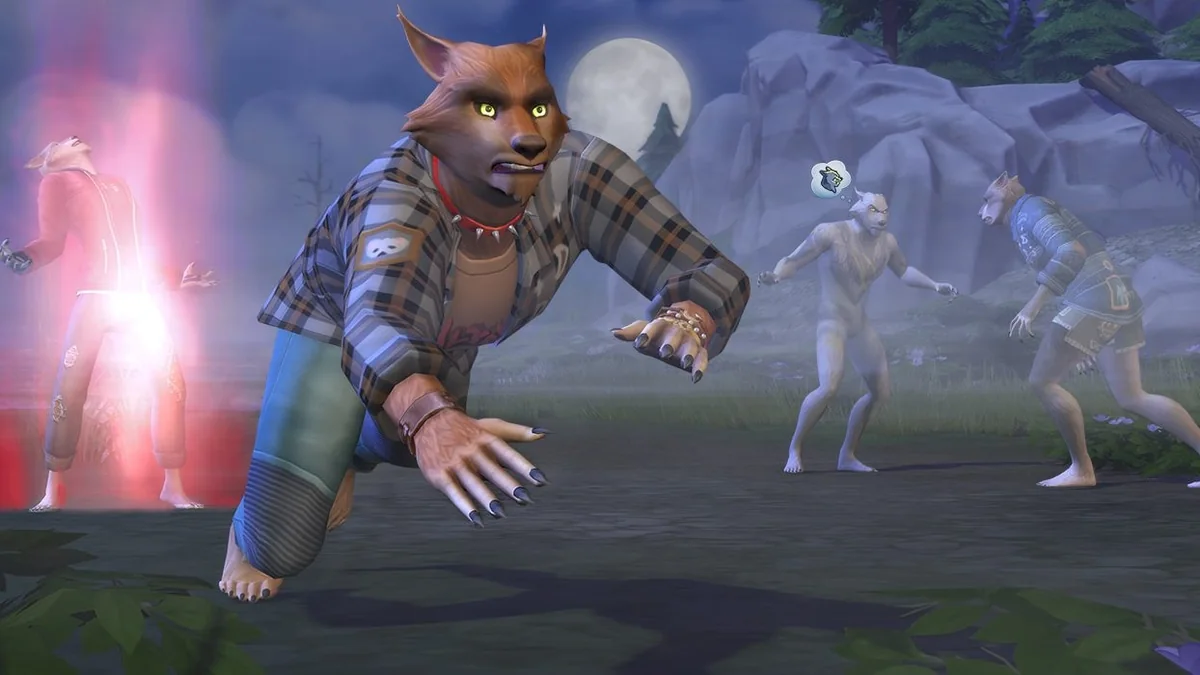
How to get werewolf ability points or unlock one ability
For normal progression, increase the Werewolf XP stat to the relevant rank and use earned ability points in the werewolf panel. There is no separate EA-published console command in the official cheats FAQ that simply sets a number of werewolf ability points. Community references instead list perk-specific bucks.unlock_perk commands. Those unlock a named ability directly; they are not the same thing as adding spendable points.
The perk command needs the Sim’s numeric ID. Run sims.get_sim_id_by_name with the Sim’s first and last name in quotation marks, read the returned ID, then replace [SimID] in the perk command. Names with spaces still go inside their own quotation marks. If an ID or perk name is wrong, the command may silently fail, so verify the result in the ability panel.
sims.get_sim_id_by_name "First Name" "Last Name"Community-documented template: bucks.unlock_perk [perk_name] true 40961 [SimID]. Example perks below are not EA-published commands; test on a copied save.
| Ability example | Required rank | Command |
|---|---|---|
| Ferocity | Rank 1 | bucks.unlock_perk werewolfPerks_Ferocity true 40961 [SimID] |
| Wolf Nap | Rank 1 | bucks.unlock_perk werewolfPerks_WolfNap true 40961 [SimID] |
| Territory Marking | Rank 1 | bucks.unlock_perk werewolfPerks_TerritoryMarking true 40961 [SimID] |
| Scavenger | Rank 1 | bucks.unlock_perk werewolfPerks_Scavenger true 40961 [SimID] |
| Personal Grooming | Rank 1 | bucks.unlock_perk werewolfPerks_PersonalGrooming true 40961 [SimID] |
| Voracious Hunger | Rank 2 | bucks.unlock_perk werewolfPerks_EatEverything true 40961 [SimID] |
| Hunter | Rank 2 | bucks.unlock_perk werewolfPerks_Hunter true 40961 [SimID] |
| The Will to Resist | Rank 2 | bucks.unlock_perk werewolfPerks_TheWillToResist true 40961 [SimID] |
| Enhanced Smell | Rank 2 | bucks.unlock_perk werewolfPerks_EnhancedSenses true 40961 [SimID] |
| Somber Howl | Rank 2 | bucks.unlock_perk werewolfPerks_SomberHowl true 40961 [SimID] |
| Lunar Blessing | Rank 3 | bucks.unlock_perk werewolfPerks_LunarBlessing true 40961 [SimID] |
| Nightvision | Rank 3 | bucks.unlock_perk werewolfPerks_Nightvision true 40961 [SimID] |
| Natural Healing | Rank 3 | bucks.unlock_perk werewolfPerks_NaturalHealing true 40961 [SimID] |
| Pack Howl | Rank 3 | bucks.unlock_perk werewolfPerks_PackHowl true 40961 [SimID] |
| Curse Bearer | Rank 3 | bucks.unlock_perk werewolfPerks_CurseBearer true 40961 [SimID] |
| Vicious Howl | Rank 4 | bucks.unlock_perk werewolfPerks_ViciousHowl true 40961 [SimID] |
| Hunting Party | Rank 4 | bucks.unlock_perk werewolfPerks_HuntingParty true 40961 [SimID] |
| Lunar Resistance | Rank 4 | bucks.unlock_perk werewolfPerks_LunarResistance true 40961 [SimID] |
| Tunneler | Rank 4 | bucks.unlock_perk werewolfPerks_Tunneler true 40961 [SimID] |
| Primal Instincts | Rank 4 | bucks.unlock_perk werewolfPerks_PrimalInstincts true 40961 [SimID] |
| Super Speed | Rank 5 | bucks.unlock_perk werewolfPerks_SuperSpeed true 40961 [SimID] |
| Alpha Wolf | Rank 5 | bucks.unlock_perk werewolfPerks_ApexPredator true 40961 [SimID] |
| Immortal Wolf | Rank 5 | bucks.unlock_perk werewolfPerks_ImmortalWolf true 40961 [SimID] |
| Lunar Howl | Rank 5 | bucks.unlock_perk werewolfPerks_LunarHowl true 40961 [SimID] |
| Legacy of the Lycan | Rank 5 | bucks.unlock_perk werewolfPerks_LegacyOfTheLycan true 40961 [SimID] |
| Transformation Mastery | Dormant | bucks.unlock_perk werewolfPerks_Dormant_TransformationMastery true 40961 [SimID] |
| Werewolf Diplomacy | Dormant | bucks.unlock_perk werewolfPerks_Dormant_WerewolfDiplomacy true 40961 [SimID] |
| Werewolf Mentorship | Dormant | bucks.unlock_perk werewolfPerks_Dormant_WerewolfMentorship true 40961 [SimID] |
| Werewolf Menace | Dormant | bucks.unlock_perk werewolfPerks_Dormant_WerewolfMenace true 40961 [SimID] |
| Werewolf Empathy | Dormant | bucks.unlock_perk werewolfPerks_Dormant_WerewolfEmpathy true 40961 [SimID] |
| Lunar Epiphany | Dormant | bucks.unlock_perk werewolfPerks_Dormant_LunarEpiphany true 40961 [SimID] |
Change Fury and understand a rampage
Werewolf Fury rises through play, including actions, moon conditions, and behavior affected by a Sim’s temperaments. Community command lists report a 0–500 range for the Fury stat. Setting the value to 0 is useful as a test before a rampage begins, but do not promise that it will end an active rampage after the transformation event has already started.
If a rampage is underway, the safer in-game option is to wait for the event to finish or use an available regain-control interaction when the game offers it. The command should not replace checking the werewolf panel or the current state of the Sim.
stats.set_stat commodity_Motive_Werewolf_Fury 0Fury value template: stats.set_stat commodity_Motive_Werewolf_Fury [0–500]. The value is set directly; it is not a number of Fury points to subtract.
Werewolf trait commands and what they do
Trait commands add or remove a trait; they do not automatically complete an aspiration or spend an ability point. The capitalization in internal names can vary across code examples, so use the exact form you have verified and change only one trait at a time. To remove an added trait, replace traits.equip_trait with traits.remove_trait.
For instance, the pack-friend traits mark a Sim as affiliated with one of the two Moonwood Mill packs. Werewolf temperaments also use the trait command family. A temperament affects how Fury rises during play, so adding several at once can change gameplay in ways that are not obvious from the code alone.
Werewolf trait codes
| Trait | Command |
|---|---|
| Friend of the Wildfangs | traits.equip_trait trait_WerewolfPack_FriendB |
| Friend of the Moonwood Collective | traits.equip_trait trait_WerewolfPack_FriendA |
| Refined Lupine | traits.equip_trait trait_OccultWerewolf_AspirationTraits_BetterFuryControl |
| Fanged Friend | traits.equip_trait trait_OccultWerewolf_AspirationTraits_FriendlyWolf |
| Chomp Champion | traits.equip_trait trait_OccultWerewolf_AspirationTraits_BetterTurning |
| Werewolf Ally | traits.equip_trait trait_OccultWerewolf_AspirationTraits_FormerLycan |
| Threatening Presence | traits.equip_trait trait_OccultWerewolf_AspirationTraits_MoreFear |
| Dormant Wolf | traits.equip_trait trait_OccultWerewolf_DormantWolf |
| Lunar Confidant | traits.equip_trait trait_OccultWerewolf_InitiationBonusTrait |
| Greater Wolf Blood | traits.equip_trait trait_OccultWerewolf_GreaterWolfBlood |
Temperaments: add or remove one at a time
Temperament codes use traits.equip_trait; to remove one, replace it with traits.remove_trait and keep the internal identifier unchanged. The full set below comes from community-maintained command notes. Add one at a time and check the in-game panel because temperaments can change how Fury rises during play.
| Temperament | Command |
|---|---|
| Night Wolf | traits.equip_trait trait_OccultWerewolf_Temperaments_NightWolf |
| Survival Instincts | traits.equip_trait trait_OccultWerewolf_Temperaments_SurvivalInstincts |
| Restless Animal | traits.equip_trait trait_OccultWerewolf_Temperaments_RestlessAnimal |
| Wolf Brain | traits.equip_trait trait_OccultWerewolf_Temperaments_WolfBrain |
| Wracked With Guilt | traits.equip_trait trait_OccultWerewolf_Temperaments_WrackedWithGuilt |
| Mark of the Wolf | traits.equip_trait trait_OccultWerewolf_Temperaments_Lunar_WolfMark |
| Hungry Like the Wolf | traits.equip_trait trait_OccultWerewolf_Temperaments_HungryLikeTheWolf |
| Grumpy Wolf | traits.equip_trait trait_OccultWerewolf_Temperaments_GrumpyWolf |
| Frisky | traits.equip_trait trait_OccultWerewolf_Temperaments_Frisky |
| Sensitive Hearing | traits.equip_trait trait_OccultWerewolf_Temperaments_SensitiveHearing |
| Mark of the Hunt | traits.equip_trait trait_OccultWerewolf_Temperaments_Lunar_HuntMark |
| Easy Excitable | traits.equip_trait trait_OccultWerewolf_Temperaments_EasyExcitable |
| Carnivore | traits.equip_trait trait_OccultWerewolf_Temperaments_Carnivore |
| Anti-Capitalist Canine | traits.equip_trait trait_OccultWerewolf_Temperaments_AntiCapitalistCanine |
| Big Bad Wolf | traits.equip_trait trait_OccultWerewolf_Temperaments_BigBadWolf |
| Feels Outcasted | traits.equip_trait trait_OccultWerewolf_Temperaments_FeelsOutcasted |
| Hates Being Wet | traits.equip_trait trait_OccultWerewolf_Temperaments_HatesBeingWet |
| Mark of the Forest | traits.equip_trait trait_OccultWerewolf_Temperaments_Lunar_ForestMark |
| Mark of the Night | traits.equip_trait trait_OccultWerewolf_Temperaments_Lunar_NightMark |
| Prideful | traits.equip_trait trait_OccultWerewolf_Temperaments_Prideful |
| Territorial | traits.equip_trait trait_OccultWerewolf_Temperaments_Territorial |
| Must Be Clean | traits.equip_trait trait_OccultWerewolf_Temperaments_MustBeClean |
When a Sims 4 werewolf cheat does not work
The command is rejected or nothing changes
Confirm that the household is loaded, the intended Sim is selected, the console is still open, and testingcheats true was submitted first when the command needs it. Then recheck every period, underscore, space, and number. Some community command IDs are not listed in EA’s official FAQ.
The Sim changes form but has no new ability
Transformation only changes the occult trait. Rank XP changes progression, while ability points and perk unlocks are separate steps. Open the werewolf panel and check the rank, point total, and selected Sim before assuming one command should have done all three.
A perk command does not unlock anything
Retrieve the SimID again and check that the perk name matches the intended ability exactly. Keep the 40961 argument and [SimID] in the documented positions. Try one perk only, then reopen the ability panel. The command list is community-maintained and may vary by game version or save state.
Lowering Fury does not stop the current rampage
The Fury stat and a rampage event are related but not identical states. A zero value may help before the threshold is reached; after a rampage begins, wait for the event or use the in-game regain-control action if available rather than repeatedly changing the stat.
Sims 4 werewolf cheats FAQ
How do I turn a Sim into a werewolf with a cheat?
Select the Sim, enable testing cheats, and enter traits.equip_trait trait_occultwerewolf. The Werewolves pack must be available in the current game. To remove the occult trait, use traits.remove_trait trait_occultwerewolf.
What is the Sims 4 werewolf rank cheat?
Use stats.set_stat rankedStatistic_Werewolf_Progression followed by a target value. Community references list 3000 as the Apex threshold. This sets the stat value rather than adding XP; save a copy before changing it.
Is there a direct werewolf ability-points cheat?
The official EA cheats FAQ does not document a direct points command. Community guides report perk-specific bucks.unlock_perk commands that unlock one named ability when you include the correct SimID. Normal progression earns points through the rank bar.
Can I stop a werewolf rampage by setting Fury to zero?
The command can set the Fury stat, and a zero value may help before a rampage begins. Once the rampage event is active, lowering Fury is not a reliable way to cancel it; wait for it to end or use the in-game regain-control action when available.
Do werewolf cheats disable console trophies?
EA says console cheats that require testingcheats true disable achievements or trophies on the current save. Use a separate save if you want to keep another playthrough eligible.
Why does a werewolf cheat work for one Sim but not another?
Check which Sim is selected, whether the Werewolves pack is active for the save, and whether the command requires a werewolf state or a SimID. Also verify the exact internal identifier; the visible trait name is not always the code name.
Choose the command that matches the result
Use the trait command to transform or cure, the progression stat to change rank XP, the Fury stat to set Fury, and a perk-specific command only when you have the correct SimID. These are different operations and should be checked separately in the werewolf panel.
The ranks, ability-point midpoints, and perk identifiers on this page are cross-checked against a community-maintained guide, not an EA command database. Save a copy, change one value at a time, and check EA’s official pages for current platform guidance.
Sources and scope
EA’s pages verify general cheat-console behavior and the Werewolves pack systems. The exact trait, progression, Fury, and perk identifiers are community-maintained references rather than an official EA cheat list.